McQ TacSAD Situational Awareness Display
Map-based C2 software for McQ sensor networks - real-time alerts, video, device health and full sensor configuration from one display.
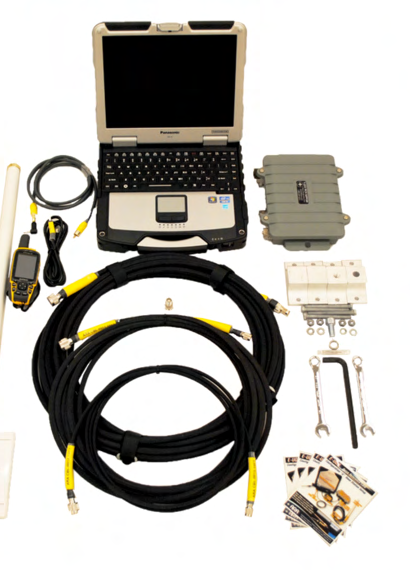
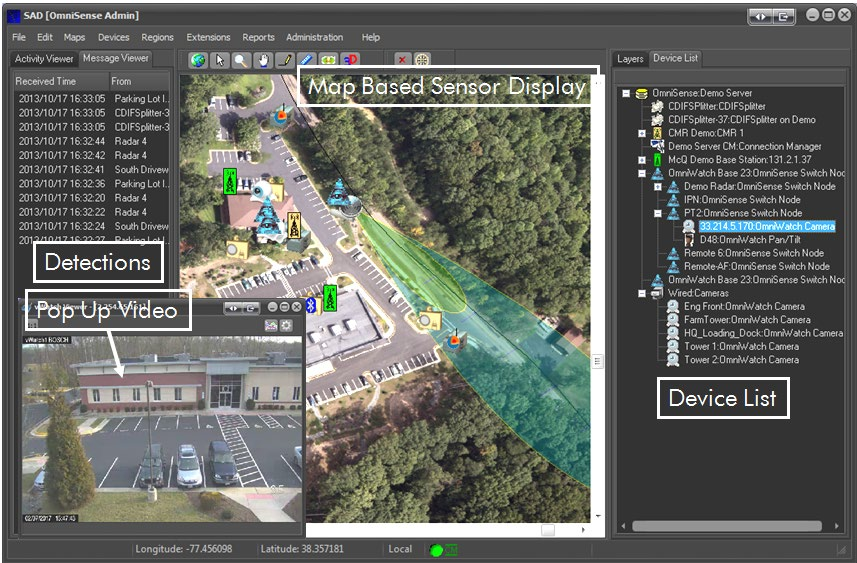
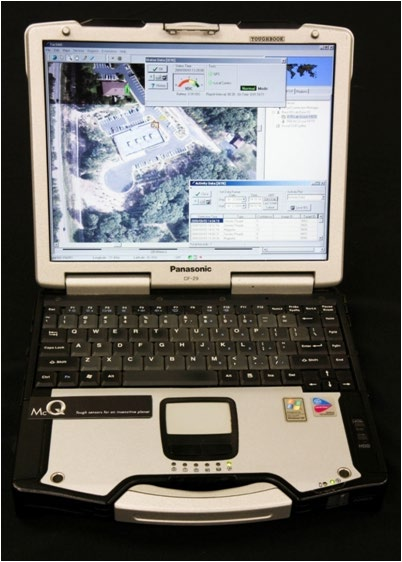
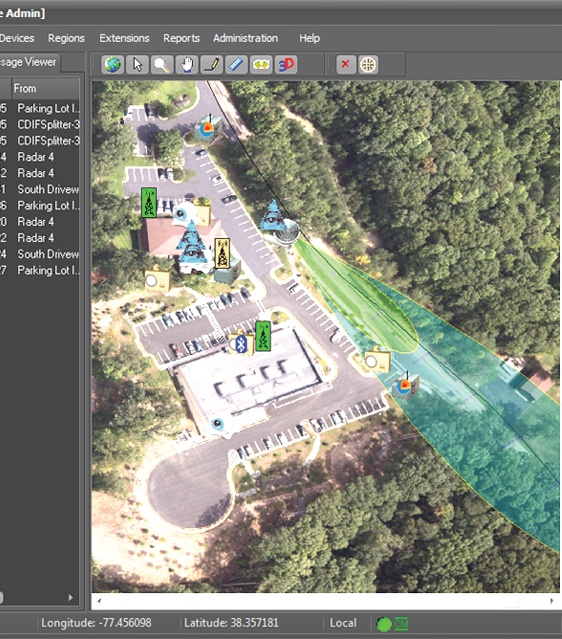
TacSAD is McQ's situational awareness display and command-and-control software - the operator-facing layer of a McQ sensor deployment. Installed on a Windows 7/10 PC laptop or tablet, it presents a real-time GIS map with icons for every RANGER ground sensor, rScene radar track and vWatch/OWL video feed, a rolling detection log with audio and flashing-icon alerts, pop-up target video, and instant display of the detecting sensor's location. Beyond monitoring, TacSAD provides full configuration control of all McQ sensor products over the network - operators can review data, adjust sensitivity, modes and sleep schedules, and check per-unit battery life and health from a single station. The software integrates GIS mapping, database management for archival storage and replay of target activity, McQ communications management, and McQ OmniPush XML for pushing all information to other common operating picture systems, with multiple SAD clients able to connect to a single server and multiple servers across a distributed network for worldwide remote access. A McQ Base Station unit delivers the sensor radio network into the PC over IP. The companion TacSAD Mobile variant runs on a rugged Android tablet with GPS, Google Maps and touch controls, bundled with ATAK for TAK-environment customers and linked to the sensor field via a 900 MHz radio modem.
The datasheet details the working surface: an Activity Data window for reviewing any past sensor detection, an Image Data window for replaying stored pictures and video, a Status Data display showing battery voltage, health tests and mode for every system unit, a Device List of all system components, and a Configuration set-up window for reconfiguring any unit - including location, communications, mode, algorithms and sleep schedule - over the network. The PC platform is supplied by McQ or the customer and needs a display, keyboard, USB and IP ports, hard-drive storage, AC or battery power and a Windows Server operating system with performance adequate for streaming sensor data; McQ's external Base Station and Wireless Relay units translate the RF radio-modem traffic into a serial CDIF binary data stream the PC consumes. The interface is designed so users need minimal time to turn on the unit and become familiar with operation.
Technical specifications.
| Platform | Windows 7 / 10 PC laptop or tablet (single-user application), supplied by McQ or the customer |
| PC platform requirements | Display, keyboard, USB and IP I/O ports, hard-drive storage, AC or battery power, Windows Server OS, performance adequate for streaming sensor data |
| UI windows | Activity Data (past detection data), Image Data (past pictures/video), Status Data (battery life and health per unit), Device List, unit Configuration set-up window, time-rolling detection log |
| Sensor control | Full configuration control of all McQ sensor products over the network; review data and reconfigure units as needed |
| Architecture | Multiple SAD clients per server; multiple server connections across a distributed network; worldwide remote access |
| Storage | Archival storage of sensor data and video for review and replay of target activity and system status |
| Mobile radio link | 900 MHz radio modem to sensor units |
| Display | Real-time GIS map with sensor icons, detection log, pop-up video, activity and status windows |
| Alerting | Flashing sensor icons and audio announcements on target detection; instant map display of the detecting sensor's location |
| Software modules | Server software with Windows application, GIS mapping, database management, McQ communications management, McQ OmniPush XML, client user interface |
| Data integration | McQ OmniPush XML push to other common operating picture systems; XML, CoT, JSON or CDIF outputs via TCP/IP |
| Sensor network interface | McQ Base Station unit provides IP network connection into the TacSAD PC; Base Station / Wireless Relay units translate RF radio-modem data into a serial CDIF binary stream |
| Mobile variant platform | Android tablet, bundled with ATAK; rugged case with rechargeable battery |
Available variants.
Use cases.
- ›sensor network command and control software
- ›common operating picture integration (ATAK/TAK, CoT, XML)
- ›border surveillance system monitoring
- ›perimeter sensor fleet configuration and health management
Replacements & compatible alternatives.
Comparable products from other suppliers. Cross-shop on specs — confirm exact fit and compatibility with the supplier before specifying.